Alias
Overview
The alias system allows you to create custom names for commands. This is useful for making commands shorter or easier to remember.
Creating an alias
You can create an alias using the alias command.
The syntax is as follows:
,alias create (alias) (command)
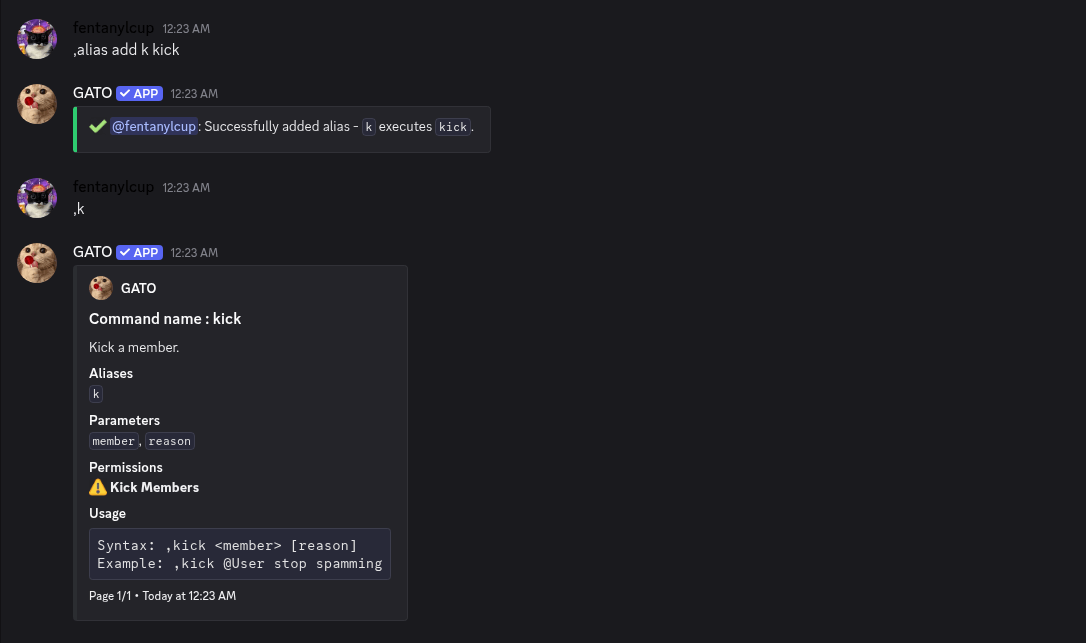
Now the command run using only k instead of kick. The following arguments of the commands are kept in the same order
Example:
,k @john spam
You can of course delete an alias in the server using the folowing command:
,alias delete (alias)
or to view all the alias created in the server:
,alias list
Note:
If an alias is already used by an existing command, natively or set by an user, the bot will throw an error and the alias won't be created.